Use this form to register NimbleText for a machine that is not on the internet (or is on a restrictive network).
NimbleText → Help menu → "Register upgrade"
→ "Perform Manual Activation" →
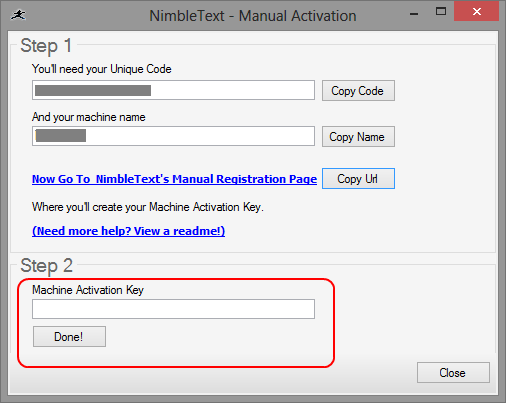
Note that the 'Perform Manual Activation' link only becomes available once you have attempted to validate, with a valid unique code.